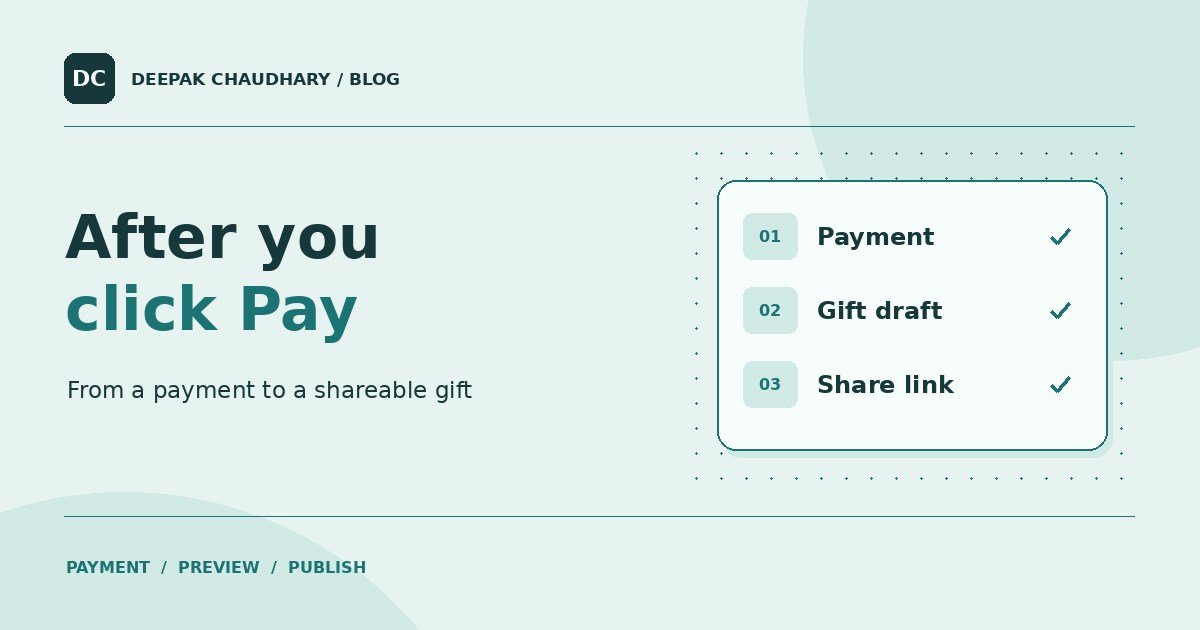
SurpriseLinks sells a gift page that is prepared after the customer pays. Between the payment screen and the final link, the app has to confirm the order, write the gift and let the sender check it. Each step needs to be able to finish even if the browser closes at the wrong time.
Here is the public checkout from the point of view of someone making an anniversary, birthday or apology gift. The same decisions apply to other small tools that prepare something after a payment. SurpriseLinks’ public guide.
1. The form saves a draft before checkout
The sender chooses an occasion and enters names, a message, a language and any optional memory or photo. SurpriseLinks saves the details in a draft before opening checkout. That draft gives the app a place to associate the payment and track the work that follows.
This order of operations is useful in practice. A payment screen can be dismissed or a connection can drop. The saved draft gives the customer a way to continue with the information they already entered.
2. The server confirms the payment with Razorpay
The checkout response identifies the payment. The server verifies the response signature and checks the payment with Razorpay. A captured payment must match the stored order, amount and currency before the app marks the order paid. Razorpay can also send a webhook, which is a server-to-server notification of a payment event. The app validates the notification before using it. Razorpay’s webhook validation guide.
A customer returning from checkout and a webhook can report the same payment. The paid status and generation job are recorded together in a database transaction. Once an order has that payment, the repeated notification does not create a second gift. Keeping that decision on the server makes it possible to handle a confirmation even if the customer has closed the tab.
3. A background job prepares the text
Payment confirmation puts a generation job in a queue. A background worker reads the occasion, relationship and details from the order. It requests separate fields for the opening, notes, letter and final wish, then checks the response before saving it.
The work can take longer than the checkout response. An order status gives the sender a place to wait or return. If generation fails temporarily, the worker has a limited retry process. An incomplete draft stays out of the preview. How I improved the writing brief and draft checks.
4. The sender sees a private preview
When the text is ready, the sender can check the names, the tone and the personal details. The order page lets them edit the wording while the order is eligible. This is a useful moment to read the letter aloud. A technically valid draft can still have a phrase the sender would never use.
The recovery email leads back to the order management page. Keep that email and link to yourself. If you lose access to the original tab, you can request a fresh recovery email using the address you entered for the order. Find a SurpriseLinks order.
5. Publishing creates the recipient link
The sender decides when to publish. Only then does the app provide the recipient’s shareable link. The recipient opens the finished gift with that link, and the sender keeps their management link for their own use. Anyone who receives the gift link can open it, so review the details and photo with that in mind. What to check before sharing a gift link.
The situations worth testing
When building a paid tool, test each handoff. Close the tab after a test payment and check whether order recovery still works. Deliver the same test notification twice and check that there is one generation job. Simulate an incomplete draft and confirm it stays out of the customer preview. Open a published sample on a different device and confirm the recipient sees only the gift.
Each check has a concrete result you can inspect. Once the handoffs are reliable, track what each order costs to fulfil, including retry and support work. What it costs to sell a ₹99 digital product.